Purpose
Sends an alert when a favorited product (SKU) is running low on stock.What to do
1. Import the Shopify Flow templates and turn them on
- Inventory change detection
[MultiLikes] Product inventory change detection [product favorites].flow
Download (1.0 KB)
- Low stock alert
[MultiLikes] Notify when a favorited product is low on stock [product favorites].flow
Download (1.2 KB)
These templates send through Shopify’s own Messaging app. Adjust them if you use a different email tool.To send alerts via LINE, see CRM PLUS on LINE integration.
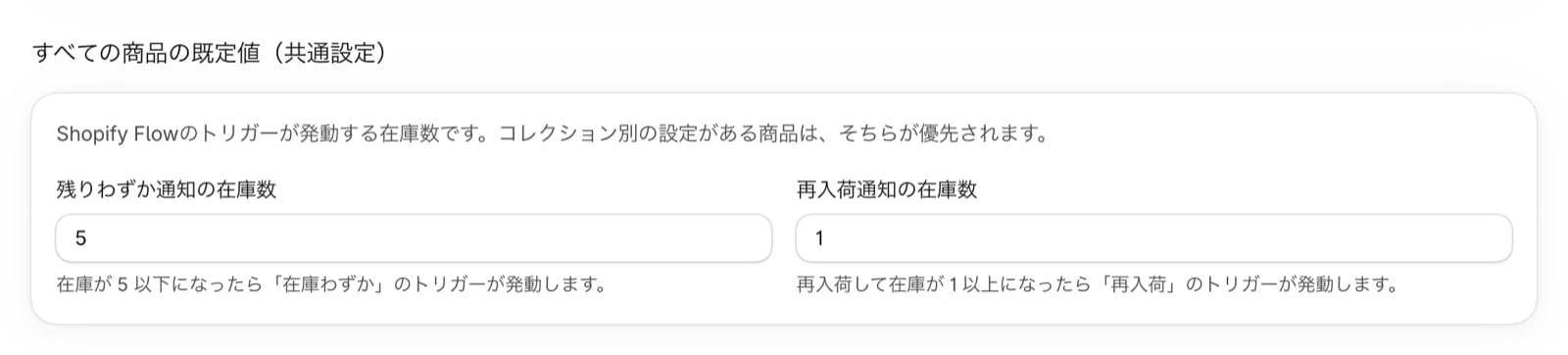
2. Set the stock threshold
In MultiLikes, open Notification settings under Settings. Under Default for all products (shared setting), enter a stock quantity in Low stock notification quantity, then click Save in the save bar at the top of the screen.