Purpose
Sends an alert when a favorited product (SKU) is back in stock.What to do
1. Import the Shopify Flow templates and turn them on
- Inventory change detection
[MultiLikes] Product inventory change detection [product favorites].flow
Download (1.0 KB)
- Back-in-stock alert
[MultiLikes] Notify when a favorited product is restocked [product favorites].flow
Download (1.2 KB)
These templates send through Shopify’s own Messaging app. Adjust them if you use a different email tool.
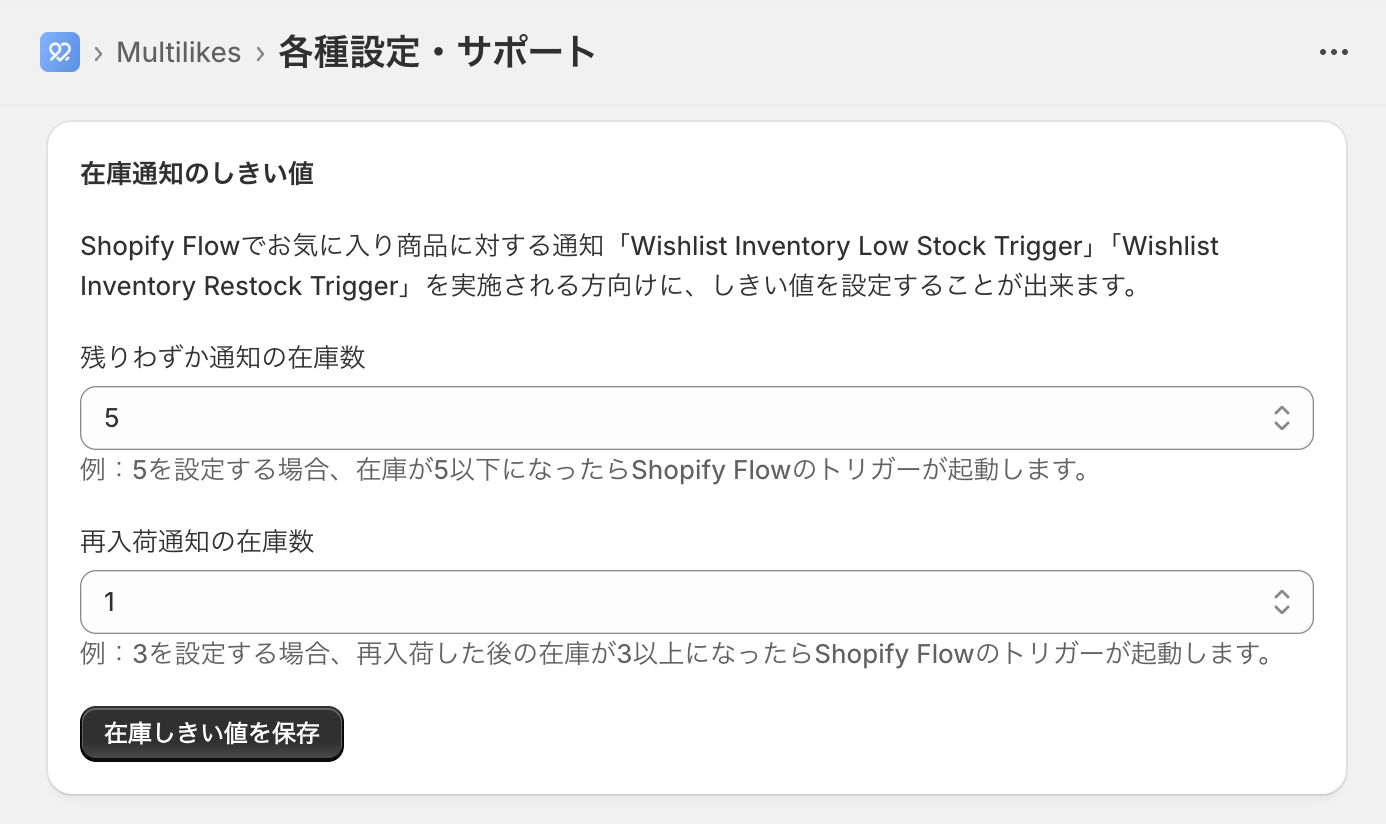
2. Set the stock threshold
Set the threshold under MultiLikes > settings and support.