

Steps
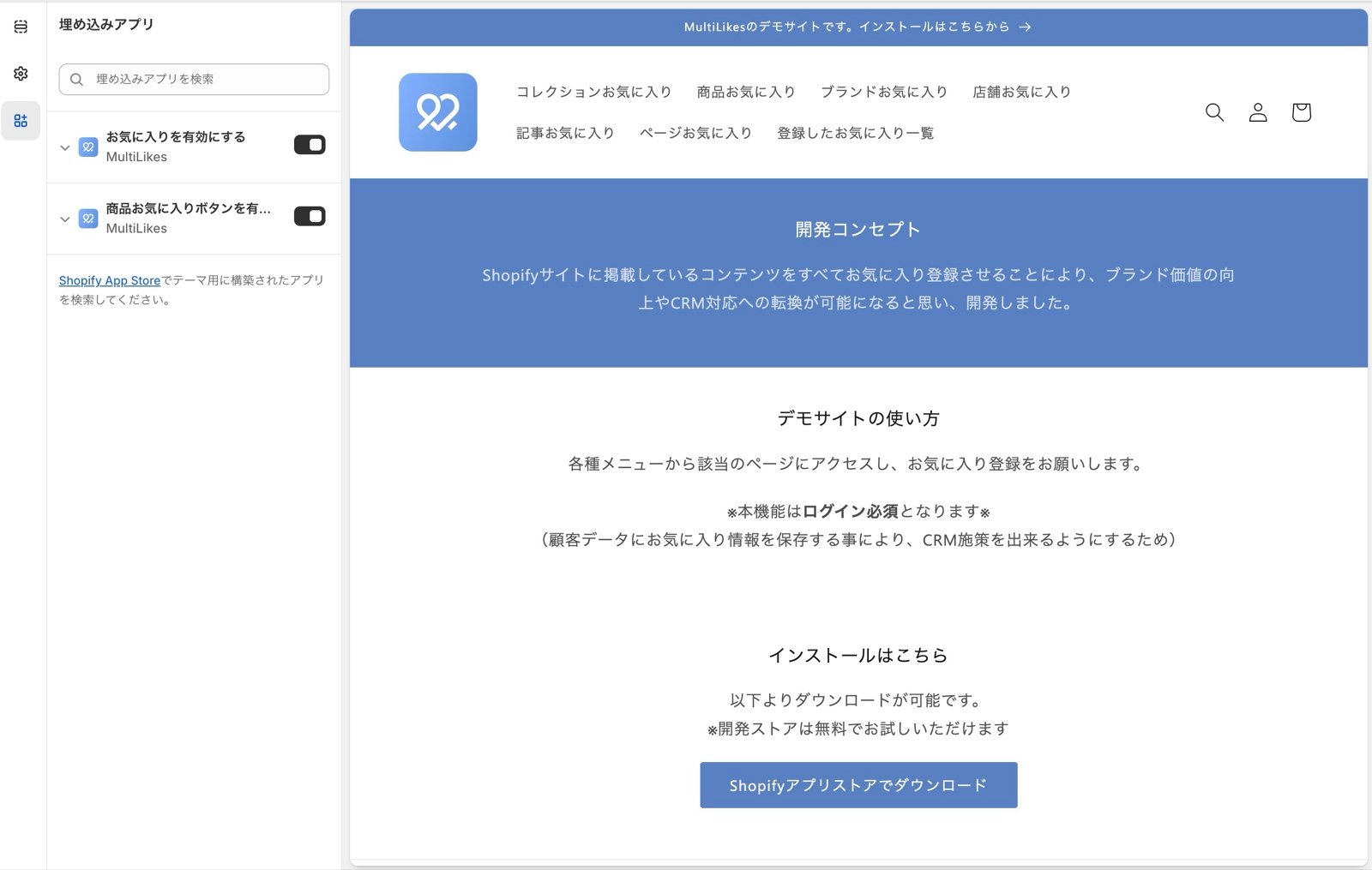
1. Go to Online Store > Edit theme and open App embeds on the left
2. Turn on the product favorite button
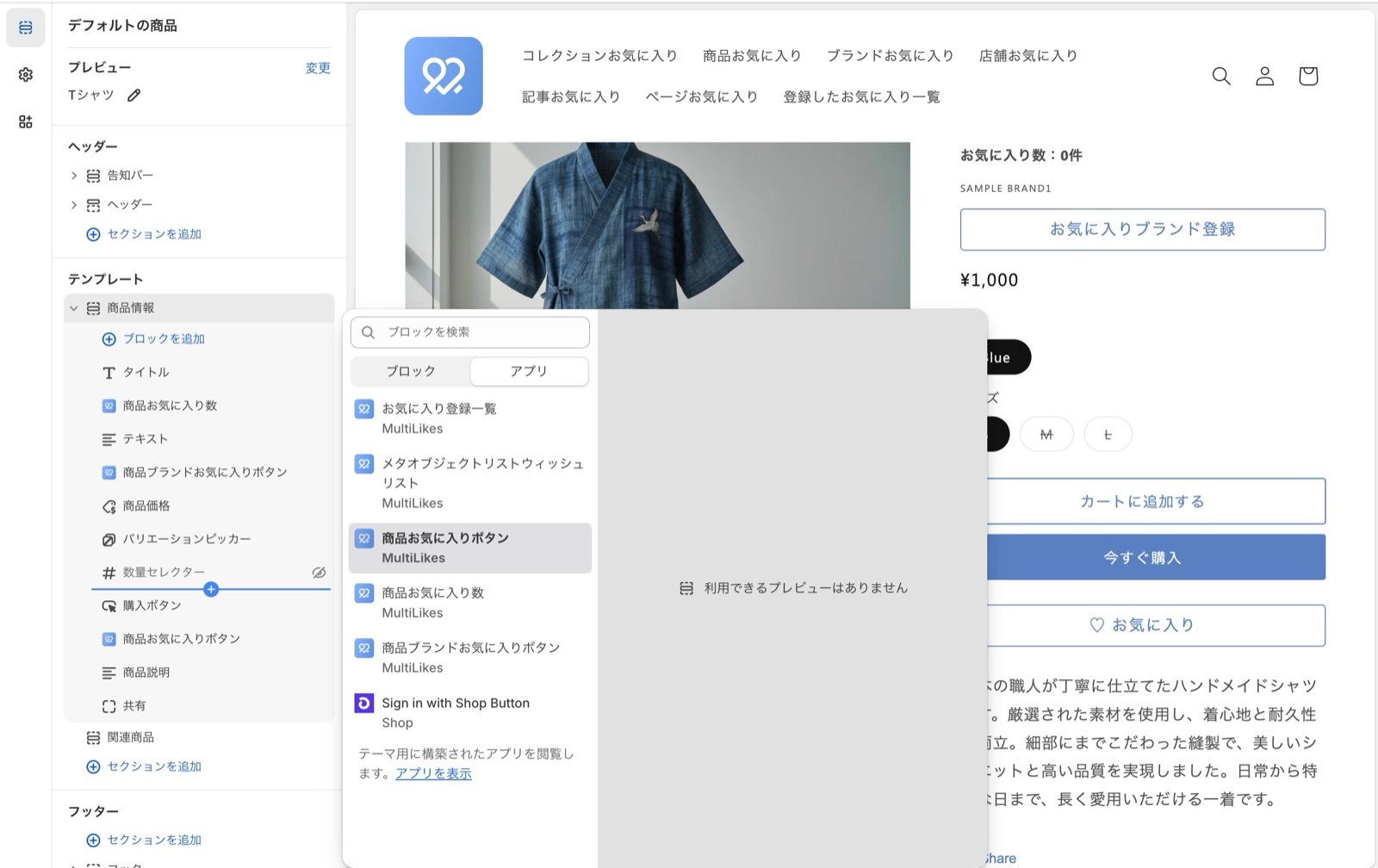
3. Move to the product page editor and place the favorite button where you want it
4. Press Save
What the product page offers
Product favorite button
A ”♡ Favorite” button. Pressing it adds that SKU to the customer’s favorites.Product favorite count
You can show how many times a product has been favorited on the product page.Brand favorite button on the product page
A button that lets a customer favorite the brand from the product page.How it works:When the vendor value in your Shopify admin matches the brand name in your metaobject brand list, the brand favorite button appears on the product page and can be used.