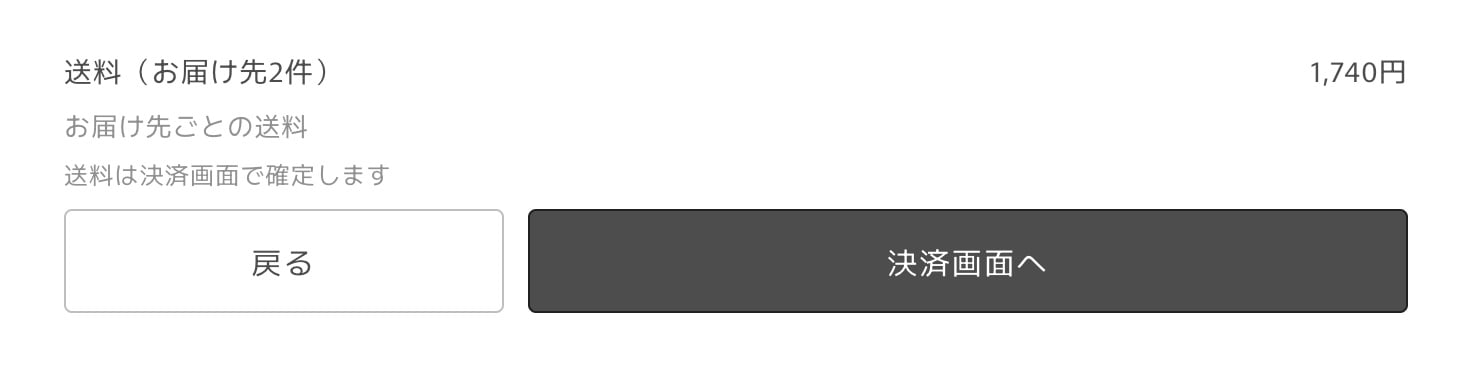
Calculated for each address
For each address, MultiGifts calculates shipping from the items going to that address and the address itself, using your store’s shipping settings (shipping profiles, zones and rates). Rates by region, and rates split by product, weight or order value, work the same as in a regular order. The total of the shipping for all addresses is added to the order’s shipping as one line, 配送料(お届け先N件) (Shipping, N addresses). Checkout, the order confirmation email and the parent order’s shipping all show this one line.- When more than one rate applies to an address, the lowest rate is used. Customers don’t need to choose a shipping method again at checkout.
- For addresses with a gift bag, the gift bag is included when shipping is calculated.
- Addresses that only have items that don’t need shipping (such as digital products) aren’t charged shipping and aren’t counted.
Conditions such as free shipping are checked per address
Rates with an order value or weight condition (such as “free shipping on orders of ¥5,000 or more”) are checked for each address, using the items going to that address. When an address meets the condition, shipping to that address is free. For example, with “free shipping on orders of ¥5,000 or more”, an order that sends ¥6,000 of items to A and ¥3,000 of items to B gets free shipping to A, and the regular rate applies to B. To make shipping free for the whole order, you can use a free shipping discount code (Can customers use discount codes?).Customers see shipping before checkout
In step 3 of the allocation screen, the total shipping is shown above the checkout button, so customers can check it before going to checkout.