

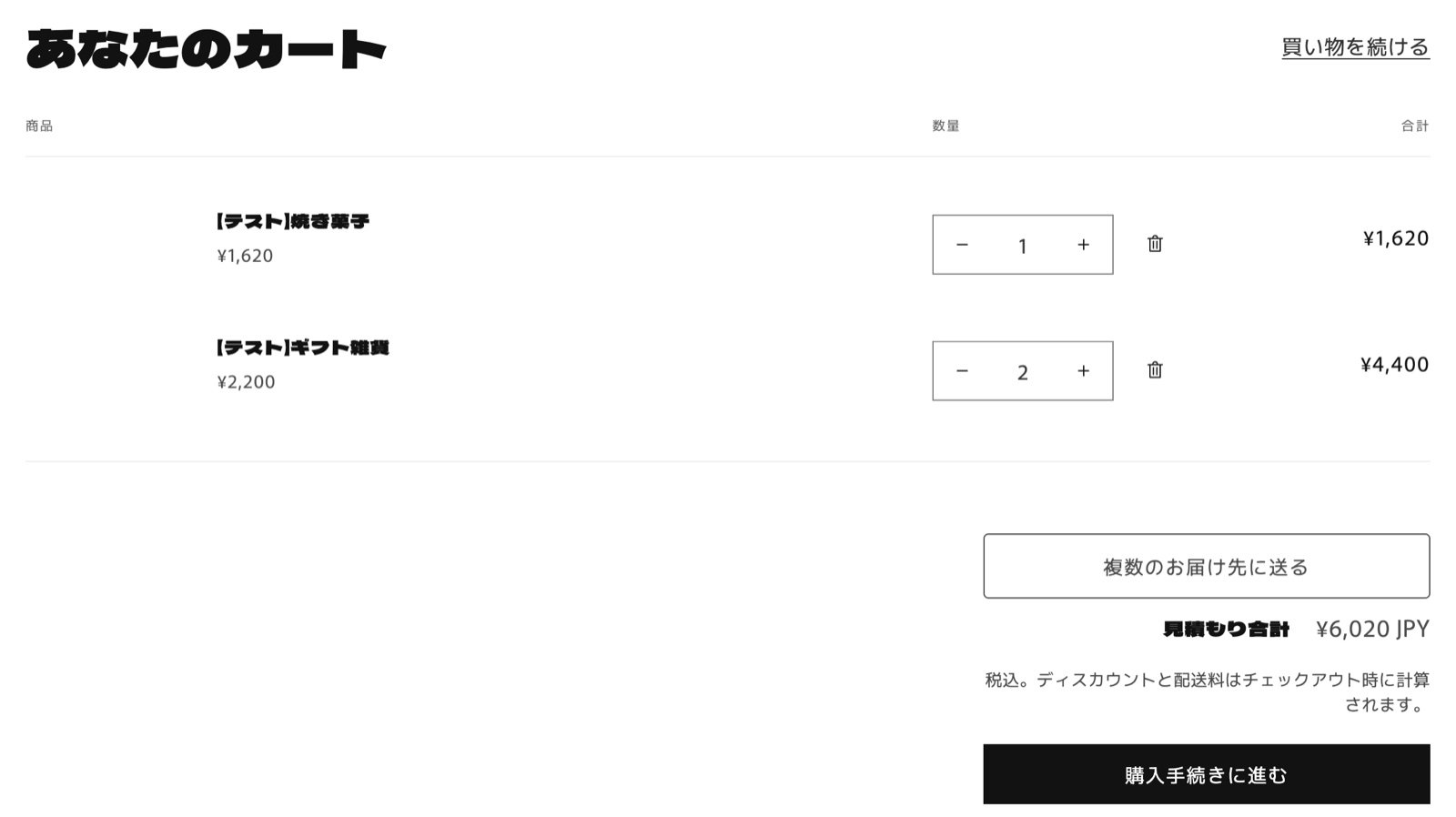
1. Is the app block on your cart template?
The button is shown by the MultiGifts app block that you add to the cart template in the theme editor. For how to add it, see Add the button to your cart (theme setup).2. Is the theme with the block published?
If you added the block to an unpublished theme, it doesn’t appear in your store. Add it to the cart template of your published theme.3. Have you chosen a plan in the app?
The button doesn’t appear in your store until you choose a plan. In the theme editor, the block shows a notice (in Japanese) that it’s hidden because no plan has been chosen. Choose a plan from プラン (Plan) in the app (see Pricing).4. Are you on the cart page?
The button appears on the cart page (/cart). It doesn’t appear in a cart drawer that slides in from the side. If your theme uses a cart drawer, switch the cart type to the cart page, or let customers go from the drawer to the cart page.