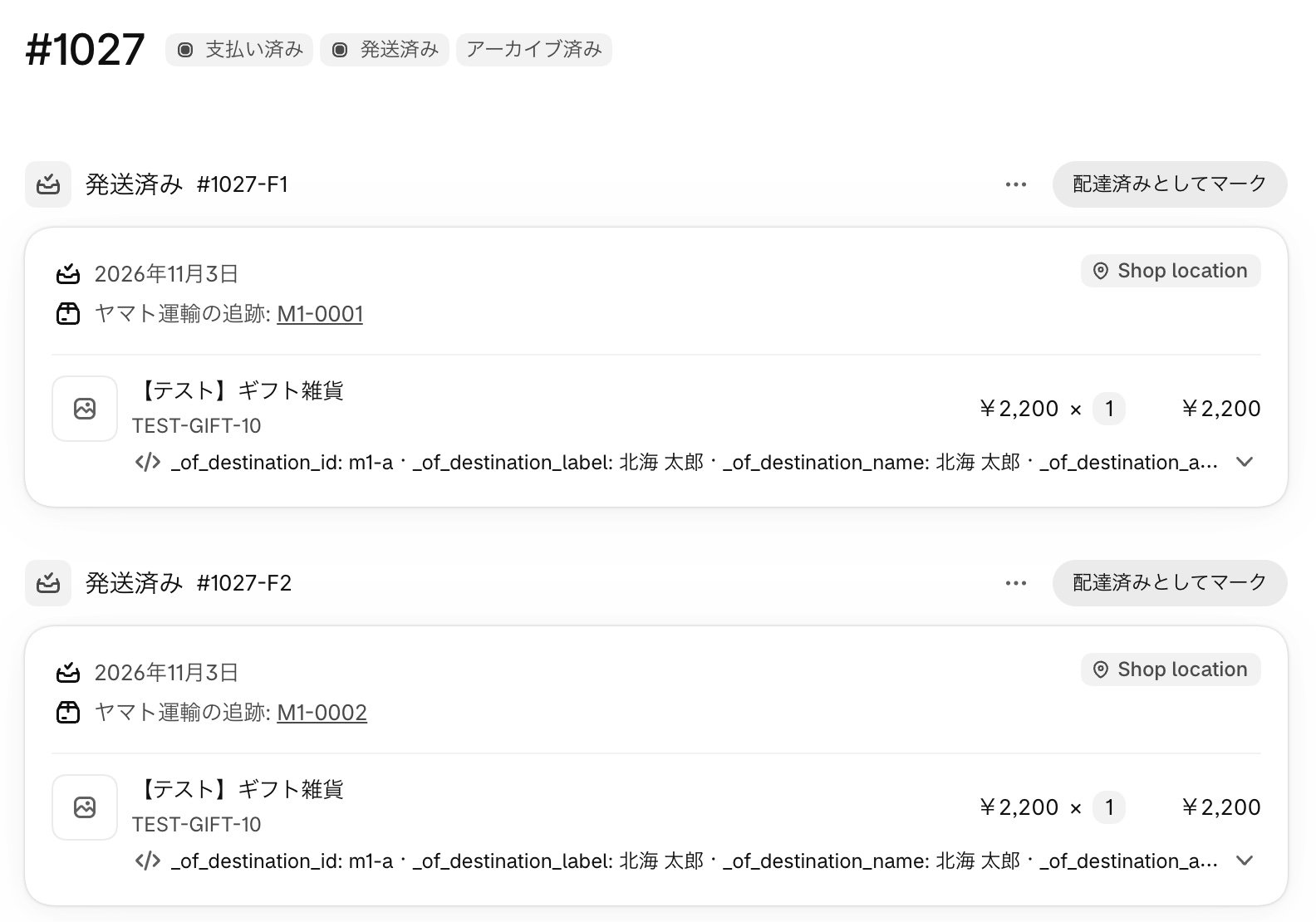
Fulfill from the child orders
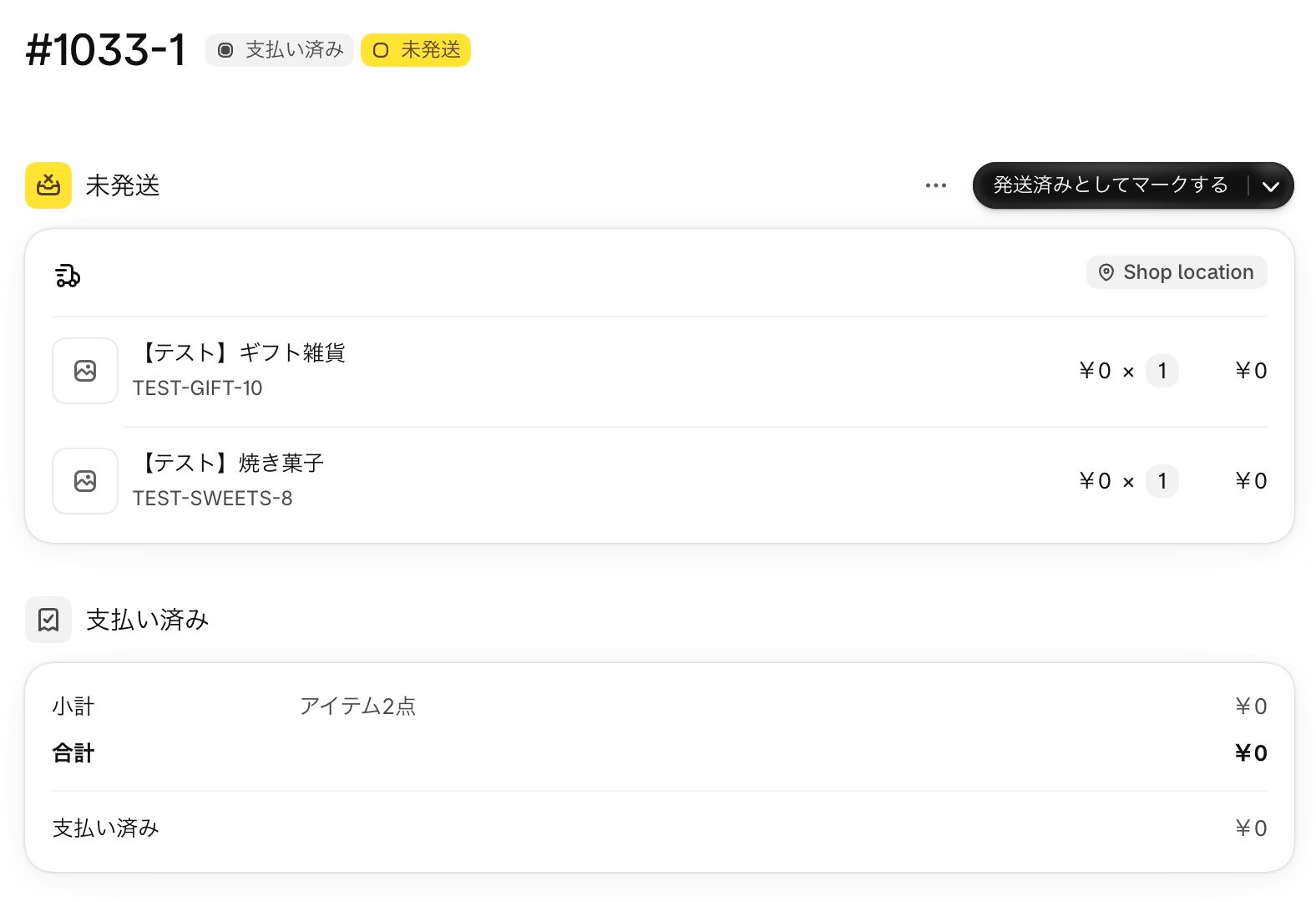
The child order for each address appears as unfulfilled, like any other order. Fulfill each child order the same way you fulfill a regular order. If you use a warehouse or fulfillment system, also see Connect with warehouse and fulfillment systems.1
Open the child order
In the orders list, open an order tagged 分割配送. Check the recipient’s address, the items, and the notes (delivery date, noshi, card and gift bag).
2
Mark it as fulfilled
Use Mark as fulfilled, enter the tracking number, and fulfill it.
The parent order is fulfilled automatically
When you fulfill a child order, the app automatically marks the same quantity of that address’s items as fulfilled on the parent order.- The tracking number you enter on the child order is copied to the parent order
- If you fulfill only some items, only that quantity is reflected on the parent order
- Items for addresses you haven’t shipped yet stay on hold on the parent order
- When every child order is fulfilled, the parent order becomes Fulfilled
- Available inventory goes down at payment, and on-hand inventory goes down when you fulfill the child order
- No email is sent to the customer when the parent order is fulfilled. Shipping updates come only from the child orders